Everything You Need to Know About Wireless Door Cameras: Features, Installation, and Top Picks


Introduction
In an era where smart home technology is becoming a cornerstone of modern living, wireless door cameras have emerged as one of the most essential devices for home security. These cameras allow you to monitor your front door in real time and provide two-way communication, motion detection, and cloud recording without the need for complex wiring. Also worth reading: PNG Meaning.
Whether you’re concerned about porch pirates, want to see who’s knocking, or just want peace of mind while away, a wireless door camera is a practical and powerful solution.
This guide covers everything you need to know about wireless door cameras, from how these devices work and what features to prioritize, to expert installation tips and our curated list of the best wireless door cameras.
| Category | Details |
| Definition | Wireless door cameras monitor entry points and connect to Wi-Fi for remote access. |
| Key Features | – Video Quality (1080p or 4K) – Field of View (130°+) – Night Vision – Two-Way Audio – Motion Detection – Storage Options (cloud/local) – Smart Home Integration – Battery Life |
| Benefits | – Enhanced Security – Convenience (remote access) – Easy Installation – Cost-Effective |
| Installation Tips | – Optimal Height (4–6 feet) – Coverage Area – Shielded from Elements |
| Maintenance Tips | – Regularly Clean Lens – Check Battery Life – Update Firmware |
| Top Picks | 1. Ring Video Doorbell Pro 2 2. Nest Hello Video Doorbell 3. Arlo Essential Video Doorbell 4. Eufy Security Smart Video Doorbell 5. Amcrest Smart Home Video Doorbell |
What Is Wireless Door Cameras?
A wireless door camera, often referred to as a video doorbell or smart doorbell camera, is a security device installed at your front entrance. It streams live video, captures recordings, and alerts you when someone approaches your door — all via a wireless connection. Most models connect to your home Wi-Fi network and sync with a smartphone app, letting you view footage and interact with visitors from anywhere in the world.
Unlike traditional wired systems, wireless door cameras are easy to install, don’t require drilling into walls for wiring, and are perfect for both homeowners and renters.
Key Features to Look for in Wireless Door Cameras
With so many models available on the market, it’s important to understand what features truly matter. Here’s a breakdown of the most valuable features to consider when choosing a wireless door camera:
1. High-definition video Quality
Look for a minimum of 1080p resolution, though some newer models offer 2K or 4K for clearer visuals. High resolution ensures you can capture fine details, such as faces and license plates, even in low light.

2. Night Vision and Infrared LEDs
Your camera should function well in low-light or nighttime conditions. Many top models include infrared night vision or full-color night vision, offering clear visibility up to 30 feet in the dark.

3. Motion Detection and Smart Alerts
Most wireless door cameras use PIR (Passive Infrared) motion sensors to detect movement. Smart versions can distinguish between humans, animals, and vehicles, reducing false alarms. Some even allow customizable motion zones.

4. Two-Way Audio
This feature lets you speak to visitors remotely using your smartphone app — useful for deliveries, guests, or deterring potential intruders.

5. Cloud and Local Storage Options
Video footage can be stored in the cloud or locally on a microSD card. Subscription plans often provide longer storage durations and advanced AI features. Make sure to evaluate free vs. paid plans when comparing models.
6. Smart Home Integration
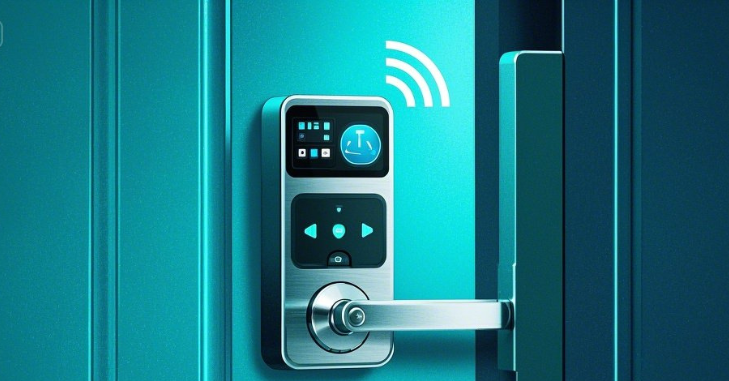
Choose a camera that works with Amazon Alexa, Google Assistant, Apple HomeKit, or other smart home ecosystems. This allows you to manage your door camera using voice commands or via a central smart hub.

7. Battery Life or Wired Power
Some wireless cameras are battery-powered (rechargeable) while others can be wired to your existing doorbell system. Look for models with long-lasting batteries or solar panel support for hassle-free use.

8. Weather Resistance
Since the camera will be exposed to outdoor conditions, ensure it is IP-rated (e.g., IP65 or IP67) for dust and water resistance.
How Wireless Door Cameras Work
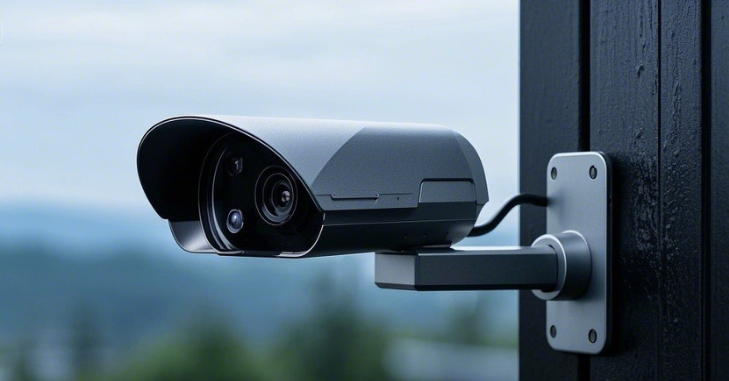
Wireless door cameras operate by connecting to your Wi-Fi network and streaming live footage to a companion mobile app or smart display. Here’s a simplified flow of how it works:
- Installation – The device is mounted near your front door and connected to Wi-Fi.
- Motion Detection – The built-in sensor detects movement and triggers the camera to start recording.
- Alert & Access – You receive a notification on your phone with a snapshot or live feed.
- Two-Way Talk – You can speak with the person at your door in real time.
- Video Storage – Footage is saved either locally or in the cloud for review.
These cameras are designed for 24/7 surveillance, with some even supporting continuous recording or event-based recording, depending on your preferences.
Installation Guide: How to Set Up a Wireless Door Camera
Step 1: Choose the Right Location
Start by selecting a location that offers a clear and unobstructed view of your front porch and entryway. The ideal mounting height is between 4 to 5 feet, as this ensures the camera captures clear images of faces for optimal recognition. Additionally, make sure the chosen spot is within a strong range of your Wi-Fi router to maintain a reliable connection for real-time alerts and video streaming.
Step 2: Charge or Connect the Power Source
Before mounting, check your camera’s power source. If it’s a battery-powered model, fully charge the battery before installation to avoid interruptions. For wired models, be sure to turn off the power at your breaker box before handling any electrical connections. You’ll connect the camera to your existing doorbell wiring, which can also provide continuous power.
Step 3: Mount the Camera
Use the mounting bracket and screws provided with the camera to secure it in place. If you’re mounting it on brick or concrete, you’ll need wall anchors or a masonry drill bit to ensure stability. Some models also include angle mounts, which help you position the camera for better visibility of your entryway or packages left on the ground.
Step 4: Connect to Wi-Fi and the App
Download the manufacturer’s mobile app to begin the setup process. Follow the in-app instructions to pair your device, typically by scanning a QR code or connecting via Bluetooth. Once connected, you can configure your preferences — including motion detection zones, alert sensitivity, and where video recordings should be stored (cloud or local).
Step 5: Test the Camera
Finally, test the camera to ensure it’s working properly. Walk in front of the lens to check motion detection responsiveness and video clarity. Activate the two-way audio feature to confirm that both the microphone and speaker are functioning. If necessary, adjust the camera angle for optimal coverage.
Top Picks: Best Wireless Door Cameras
Here are our expert-recommended wireless door cameras, based on performance, reliability, and value:
1. Ring Video Doorbell Pro 2
- Resolution: 1536p HD with HDR
- Field of View: 150° horizontal and vertical (Head-to-Toe)
- Features: Advanced motion detection, 3D motion mapping, dual-band Wi-Fi
- Integrations: Alexa, Ring app
- Price: $249
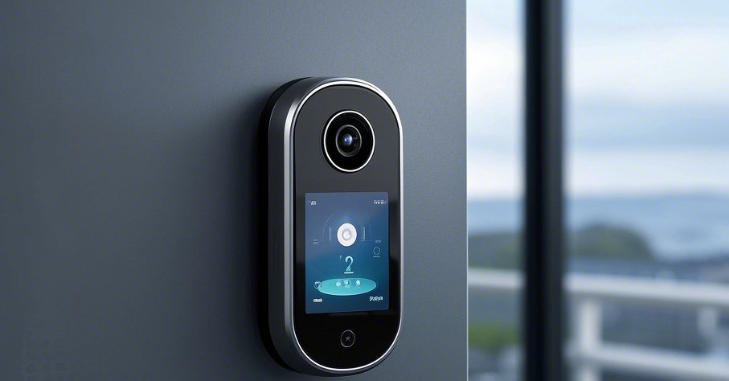
2. Google Nest Doorbell (Battery)
- Resolution: 960 x 1280 HD
- Field of View: 145° diagonal
- Features: Person, package, animal detection; 3 hours of free cloud storage
- Integrations: Google Home, Nest Hub
- Price: $179

3. Eufy Security Video Doorbell Dual
- Resolution: 2K HDR
- Field of View: Dual lens (front + package view)
- Features: Local storage, no monthly fee, dual motion sensors
- Integrations: Alexa, Google Assistant
- Price: $259

4. Arlo Essential Wireless Video Doorbell
- Resolution: HD with HDR
- Field of View: 180° wide-angle lens
- Features: Night vision, smart notifications, weather-resistant
- Integrations: Alexa, Google Assistant, HomeKit
- Price: $199
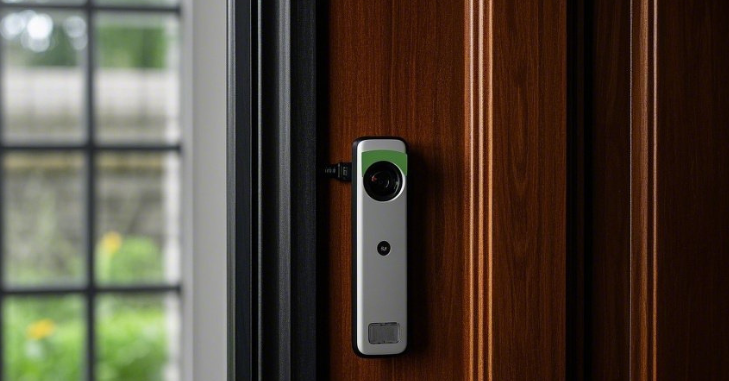
5. Blink Video Doorbell
- Resolution: 1080p HD
- Field of View: 135° horizontal
- Features: Motion alerts, two-way audio, cloud and local storage
- Integrations: Alexa
- Price: $59

Pros and Cons of Wireless Door Cameras
| Pros | Cons |
| Easy to install (DIY-friendly) | Dependent on Wi-Fi connectivity |
| No complex wiring required | Battery-powered models require recharging |
| Real-time alerts and remote monitoring | Subscription fees for advanced cloud features |
| Integration with smart home systems | Some models may have limited storage without a plan |
| Affordable options for every budget |
Privacy, Data Security, and Ethical Considerations
While wireless door cameras significantly enhance home security, it’s equally important to consider privacy and data protection. Since these devices continuously capture video and audio, users should be mindful of camera placement to avoid recording neighboring properties or public spaces unnecessarily.
Most reputable brands offer privacy controls such as customizable recording zones, video encryption, and the ability to disable audio recording. Additionally, enabling two-factor authentication and reviewing app permission settings can help protect your footage from unauthorized access.
Tips for Maximizing Performance
- Position Carefully: Avoid pointing the camera directly at sunlight to reduce glare.
- Upgrade Your Wi-Fi: Mesh Wi-Fi systems or extenders can ensure reliable performance.
- Regular Maintenance: Clean the lens periodically and update the app and firmware.
- Enable Notifications Smartly: Use activity zones to minimize unnecessary alerts.
- Secure Your Data: Use strong passwords and enable two-factor authentication on the app.
Conclusion
Wireless door cameras have transformed the way we secure and interact with our homes. With easy installation, smart features, and seamless smartphone integration, they offer a powerful yet accessible way to enhance your home’s security.
Whether you’re a tech enthusiast looking for cutting-edge features or a homeowner seeking peace of mind, there’s a wireless door camera to match your needs.
From top brands like Ring, Nest, and Eufy to budget-friendly options like Blink, the choices are vast. By understanding the features that matter and knowing how to install and maintain your device, you’ll be well-equipped to choose the perfect wireless door camera for your home and beyond.
Apart from that if you want to know about “Apartment Security Cameras: Everything You Need to Know About Choosing, Installing, and Maximizing Home Safety” then please visit our “Security” Category.
FAQs
Regularly clean the lens, check battery life, and keep the firmware updated to ensure optimal performance and security.
Choose an optimal location, typically 4-6 feet off the ground, gather the necessary tools, download the companion app, connect to Wi-Fi, mount the camera, adjust the angle, and test its functionality.
Wireless door cameras enhance security, provide convenience through remote access, are easy to install, and are generally more cost-effective than traditional security systems.