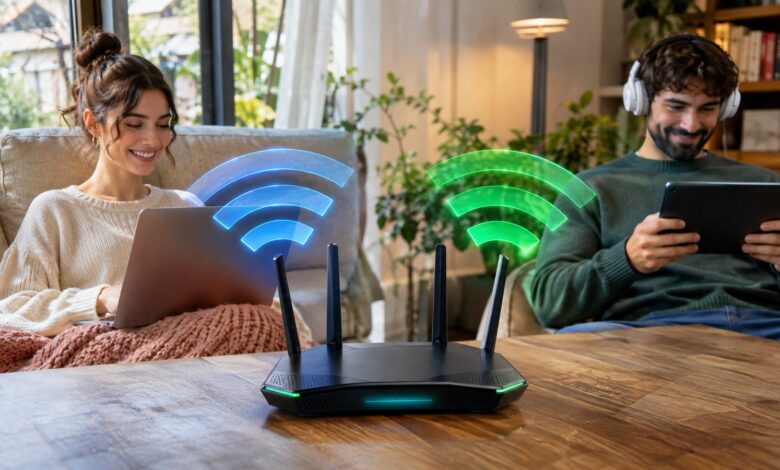
Choosing between 5GHz vs 2.4GHz Wi-Fi mainly comes down to speed, distance, and interference. Use 5GHz when your device stays fairly close to the router. Choose 2.4GHz when distance, walls, or older smart devices matter more. Neither Wi-Fi band is always better for every device. Modern home networks work best when both frequencies handle different jobs. Your router may even switch compatible devices between them automatically. Quick answer: 5GHz usually provides faster Wi-Fi with less congestion, making it better for gaming, streaming, and video calls. The 2.4GHz band travels farther and handles walls better, making it useful for distant rooms and smart-home devices. Most U.S. homes benefit from using both bands.
2.4GHz and 5GHz Wi-Fi at a Glance
| Feature | 2.4GHz Wi-Fi | 5GHz Wi-Fi |
|---|---|---|
| Typical advantage | Longer range | Higher speeds |
| Wall penetration | Better | Weaker |
| Interference | Usually higher | Usually lower |
| Channel availability | More limited | More choices |
| Best for | IoT devices, distant rooms | Streaming, gaming, laptops |
| Older device support | Excellent | Less universal |
| Apartment use | Can become crowded | Often preferable |
| Large-home use | Helpful at longer distances | Best near access points |
Home Wi-Fi guidance describes the same basic trade-off. Higher-frequency connections suit demanding activities when signal strength permits. Meanwhile, 2.4GHz provides stronger obstacle penetration. Networking vendors point out that the U.S. 2.4GHz band has only three standard non-overlapping channels. Those are channels 1, 6, and 11. That limited channel space can increase congestion in busy neighborhoods.
5GHz vs 2.4GHz: What Is the Main Difference?
The most important difference is how each radio frequency balances speed and coverage. Higher-frequency 5GHz signals can support faster transfers across suitable equipment. Lower-frequency 2.4GHz signals generally travel farther through a home. A higher frequency does not automatically make your internet plan faster. Your ISP speed, router, device, signal strength, and channel conditions still matter. Distance and construction materials can also change performance dramatically. Wi-Fi throughput depends on obstacles, network activity, device limits, and internet service. Congestion is also an important factor. Real speeds can therefore differ substantially between two nearby homes.
Why 5GHz Wi-Fi Is Usually Faster
The 5GHz band gives wireless networks more room for wider channels and additional channel choices. That makes higher data rates easier under good conditions. It also reduces competition from many devices using 2.4GHz spectrum. This advantage matters when downloading large files or streaming high-resolution video. It can also help with cloud gaming and video meetings. A strong 5GHz connection is often the better choice for bandwidth-heavy devices. Router makers commonly describe 5GHz as faster but shorter reaching than 2.4GHz. Both bandwidth and coverage matter here. These characteristics explain why router placement matters so much.
Why 2.4GHz Wi-Fi Has Better Range
Lower-frequency radio waves usually maintain usable coverage across greater distances. They also tend to pass through household obstacles more effectively. This gives 2.4GHz an advantage in distant bedrooms, garages, and outdoor areas. That advantage does not guarantee perfect coverage everywhere. Brick, concrete, metal, and several floors can weaken either frequency. Router location remains one of the biggest practical factors. For difficult outdoor areas, a second access point can work better than forcing one router farther. Techrolab’s outdoor Wi-Fi extender guide explains several coverage options. It covers mesh nodes, access points, repeaters, and point-to-point bridges.
Which Band Is Better Through Walls?
The 2.4GHz frequency usually performs better through multiple walls than 5GHz. Its longer wavelength experiences less loss from common household barriers. That can produce a steadier connection farther from your router. Still, wall material matters as much as the number of walls. Concrete, masonry, metal framing, and foil-backed insulation can cause serious signal loss. Even 2.4GHz may struggle across challenging construction. You should test both frequencies in the rooms you use most. A weaker 5GHz signal may still outperform a crowded 2.4GHz connection. Real conditions matter more than a simple frequency rule.
Which Wi-Fi Band Is Better for Gaming?
Choose 5GHz for gaming when your console or computer receives a strong signal. Lower congestion can improve consistency during latency-sensitive online games. The extra capacity also helps when other household devices share the network. Wi-Fi still cannot guarantee lower latency than a good Ethernet connection. Wireless interference and signal changes can produce occasional packet loss. Competitive players should consider wired Ethernet whenever practical. If your router struggles with newer devices, hardware age may be part of the problem. Techrolab explains warning signs in its router upgrade guide. Newer hardware can improve capacity, coverage management, and device support.
Which Band Should You Use for Streaming?
A strong 5GHz connection is usually preferable for televisions and streaming boxes. Higher available throughput helps with 4K streams and large downloads. Less congestion can also improve playback consistency in apartments. Signal quality matters more than selecting 5GHz at any cost. A television several rooms away may perform better on 2.4GHz. Buffering can increase when a weak 5GHz connection repeatedly loses capacity. Mesh systems can reduce that trade-off by placing access points closer to devices. Techrolab’s Eero 7 Pro overview discusses multi-band mesh coverage. Modern mesh networks can make faster bands usable across more rooms.
Is 2.4GHz Better for Smart-Home Devices?
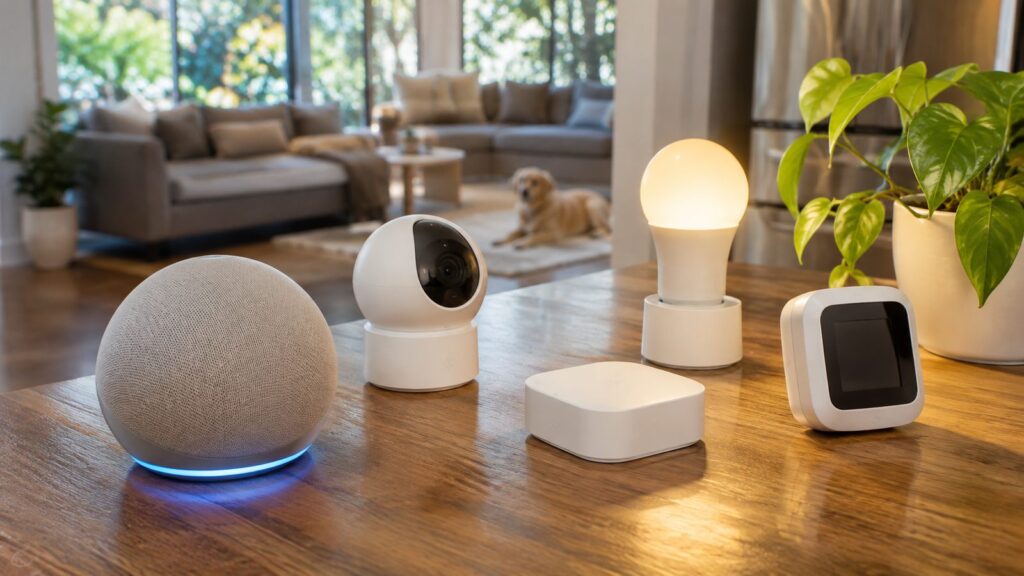
Many smart plugs, sensors, doorbells, cameras, and appliances support 2.4GHz Wi-Fi. Manufacturers often choose it because range matters more than extreme throughput. Compatibility with inexpensive wireless hardware also remains strong. A thermostat or light bulb sends much less data than a streaming television. Maximum wireless speed therefore matters less for these products. Reliable coverage across the property can be more valuable. Some devices can become difficult to configure on combined dual-band networks. Their setup applications may expect the phone and device on compatible frequencies. Temporarily separating network names can sometimes simplify installation.
What About Interference?
The 2.4GHz band shares radio space with many household and wireless technologies. Bluetooth equipment, nearby networks, and some appliances can increase congestion. Apartment buildings can make this problem especially noticeable. Vendors note that 2.4GHz offers limited non-overlapping channel space in the United States. More nearby networks must therefore compete for the same available spectrum. The 5GHz band gives compatible routers many more channel options. Your router may select channels automatically based on local conditions. Automatic selection is often good enough for typical households. Manual channel changes can help when persistent congestion affects performance.
Should You Separate 2.4GHz and 5GHz Network Names?
Many current routers use one network name for multiple frequency bands. The router and client can then choose a suitable connection automatically. This feature may appear as band steering or smart connect. A single name is convenient because devices can change bands without manual reconnection. It also keeps household setup simpler. Most users should start with this configuration. Separate names can help when diagnosing connection problems or setting up older hardware. They also let you force a device onto one frequency.
How to Choose the Right Band for Each Device
A mixed approach usually produces the best home Wi-Fi experience. Place demanding devices on 5GHz when they have strong signals. Reserve 2.4GHz for range-focused or compatibility-focused equipment. Use these practical starting points:
* Gaming PC or console: 5GHz near the router, or Ethernet when possible. * Smart TV: 5GHz with a strong signal. * Laptop: 5GHz for speed, with automatic switching if available. * Phone: Either band, depending on location. * Smart plug: Usually 2.4GHz. * Doorbell camera: 2.4GHz can help when distance is significant. * Garage device: Usually 2.4GHz unless an access point is nearby. * Outdoor camera: 2.4GHz or a dedicated outdoor access point.
Test actual performance before permanently assigning devices. Homes contain different walls, interference sources, and router positions. A band that performs well upstairs may behave differently in the basement.
Does 5GHz Mean 5G Cellular?
No, 5GHz Wi-Fi and 5G cellular service are different technologies. The similar names often cause confusion. One describes a Wi-Fi frequency band, while the other describes cellular network generations. Your home router can broadcast 5GHz even without cellular 5G service. Likewise, a 5G phone can connect to 2.4GHz home Wi-Fi. The two systems operate independently. This distinction matters when reading router or smartphone specifications. Look for Wi-Fi frequency support when choosing home networking equipment. Cellular band specifications answer a different question.
What About 6GHz Wi-Fi?
Newer Wi-Fi 6E and Wi-Fi 7 equipment can also use the 6GHz band. This spectrum offers additional capacity and lower congestion for compatible devices. Its usable range through obstacles is generally shorter than 2.4GHz. The addition of 6GHz does not make older bands obsolete. Smart-home products and distant devices can still benefit from 2.4GHz. Many high-performance devices continue using 5GHz effectively. A modern tri-band router can distribute devices across all available frequencies. That reduces unnecessary competition between different types of traffic. Your device must support a band before it can use it.
Which Band Should Most U.S. Homes Use?
Most households should keep both frequencies enabled rather than choosing only one. Use 5GHz for nearby devices that need greater throughput. Let 2.4GHz handle greater distances and lower-bandwidth smart devices. Your home layout should guide the final configuration. Small apartments may rely heavily on 5GHz because devices remain near the router. Larger houses may need 2.4GHz coverage, mesh nodes, or additional access points. If wireless performance remains poor, changing bands may not solve everything. Better router placement or additional access points can provide a larger improvement. Old networking hardware may also limit newer devices.
FAQ
Is 5GHz vs 2.4GHz better for everyday Wi-Fi?
5GHz is usually better for nearby devices needing speed and lower congestion. The 2.4GHz band works better across longer distances and obstacles. Most homes should use both instead of disabling either one.
Does 5GHz Wi-Fi go through walls?
Yes, 5GHz Wi-Fi can pass through walls, but its signal weakens faster. Dense construction can reduce performance significantly. A nearby mesh node or access point can improve coverage.
Is 2.4GHz too slow for streaming?
Not necessarily, because streaming requirements depend on resolution and available connection speed. A clean 2.4GHz signal can handle many normal streams. Strong 5GHz service is generally preferable for demanding video.
Which Wi-Fi frequency is better for a large house?
The 2.4GHz band usually reaches farther from one router. Large homes often benefit more from multiple access points or mesh equipment. That setup lets devices use faster frequencies without sacrificing coverage.
Should I disable 2.4GHz if everything supports 5GHz?
Usually not, because 2.4GHz provides useful backup coverage at longer distances. It can also support guests and future smart-home products. Keeping both bands enabled gives the network more flexibility.
Final Verdict
For most people, the best answer is not choosing one Wi-Fi band permanently. Use 5GHz for speed-sensitive devices located near a router or access point. Use 2.4GHz when range, wall penetration, or device compatibility matters. A well-designed network lets each frequency handle the jobs it performs best. That approach improves capacity without forcing every device onto one band. Start with both enabled, then adjust individual devices when performance problems appear. If dead zones remain after changing bands, examine the network layout next. Repositioning your router can help before buying new hardware. Mesh equipment or another access point can solve larger coverage problems. —